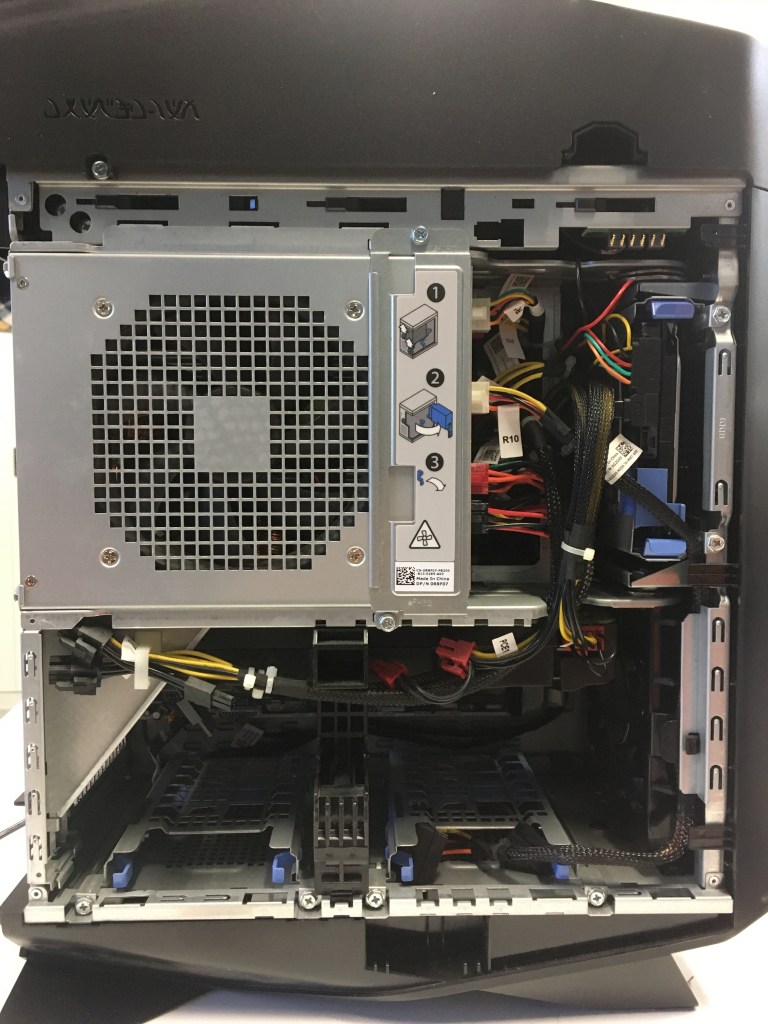
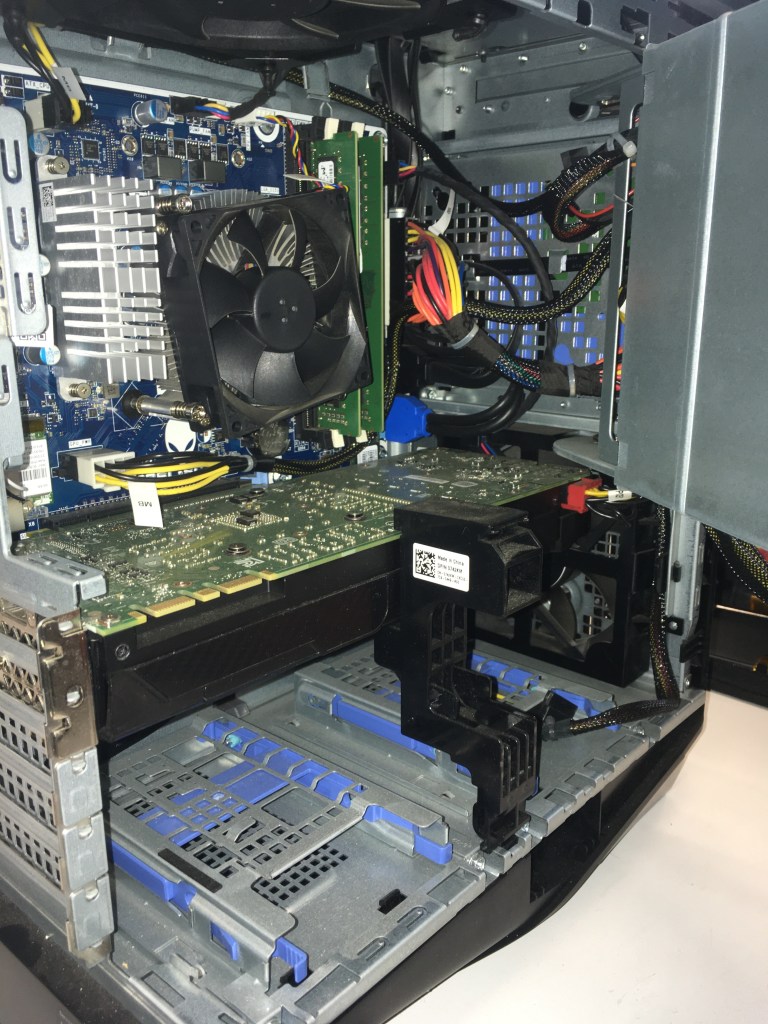
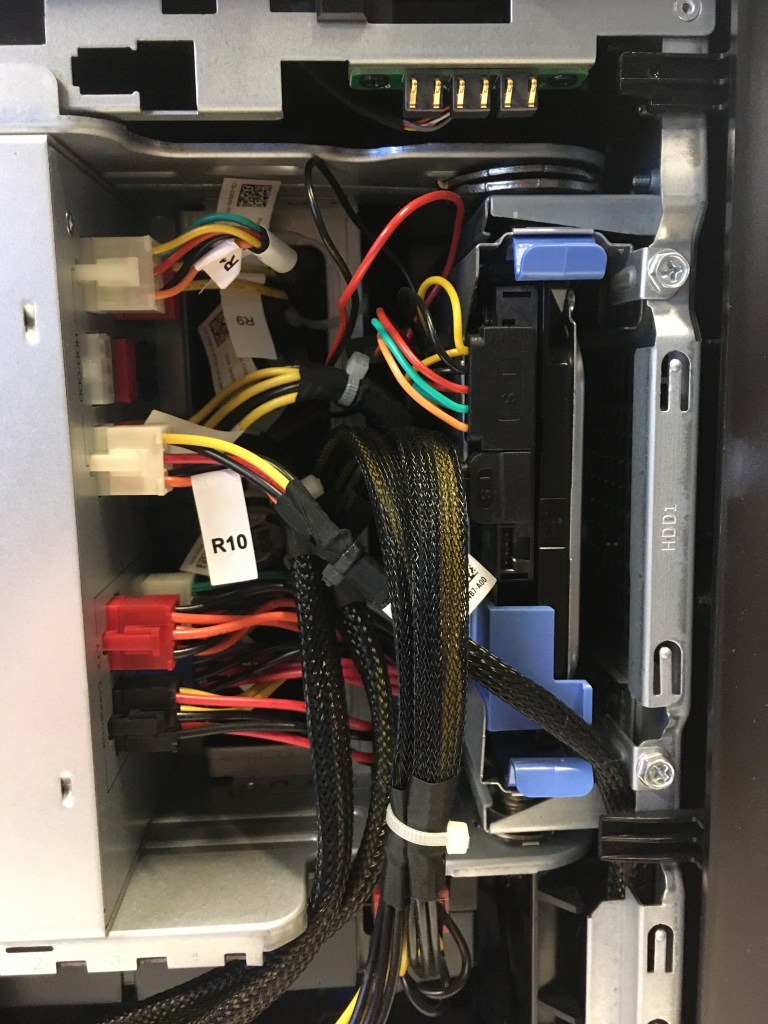
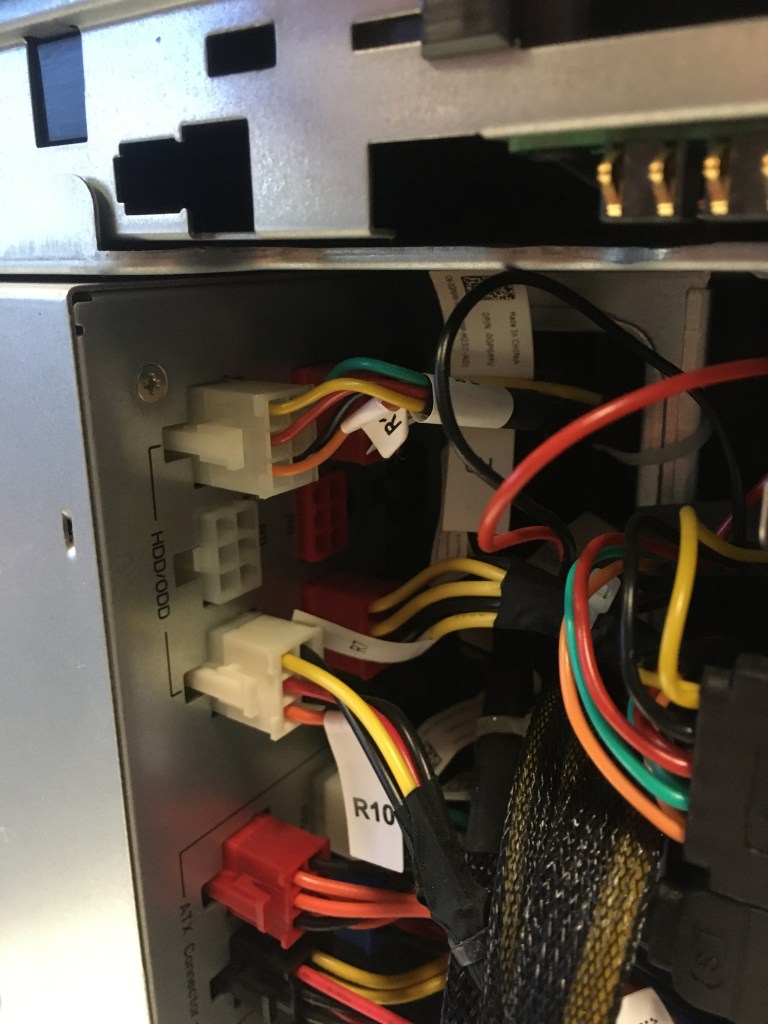
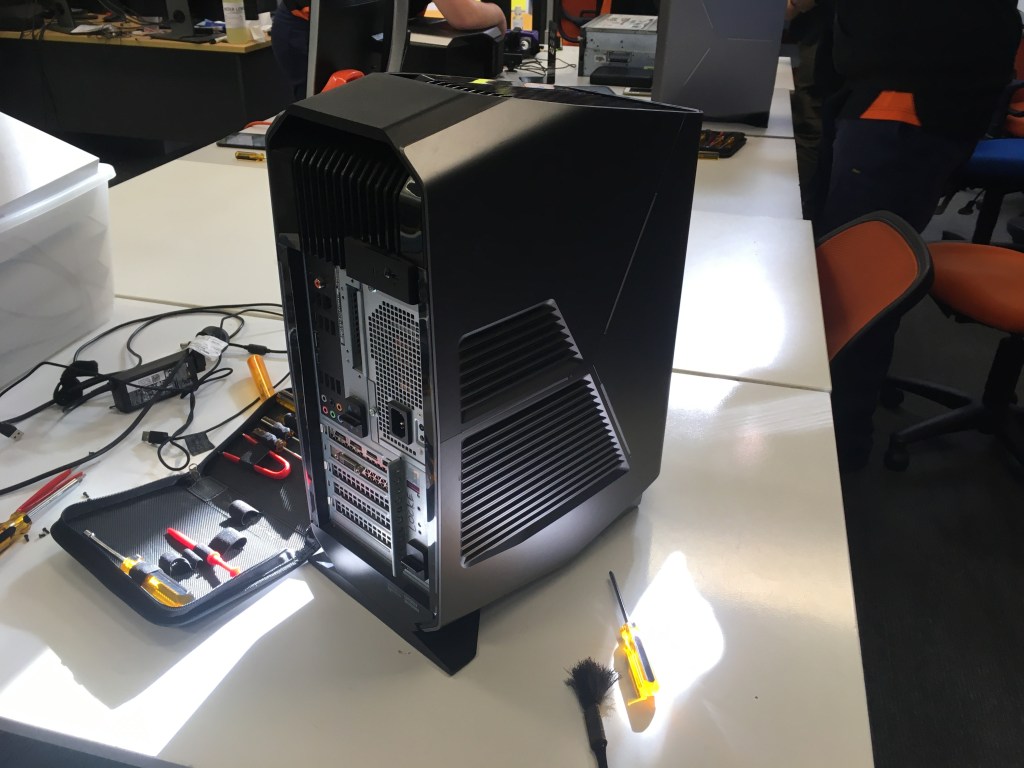
The task that was requested by Andrew was to check the components and the interior of the computer for malfunctions, hazards and broken components. Then to also see if we had a SATA and a SSD.
To begin we all had to unscrew the lid trigger to open the side.
After that we had to unscrew the safety on the sliding panel.
Then lift the locks on the back to open the internal area of the pc.
Then we had to check if we had a SATA and SSD.
Then we had to work backwards to close up the pc.
I took photos to show the steps of what I did.
 Austyn Steve Kelly