To begin you will need to prefab the model you would like to design in unity by creating a child then draging that child to the folder and creating a prefab.
First you need to set the coordinates to 0,0,0.
Then set your height length and width and then move the position with the transform options. After that you will need to add texture to decipher which block is which while you will also need to name each object. Then you would need to check there is no collisions in the model. When finished that you will need to name it and place it in the prefabs folder.
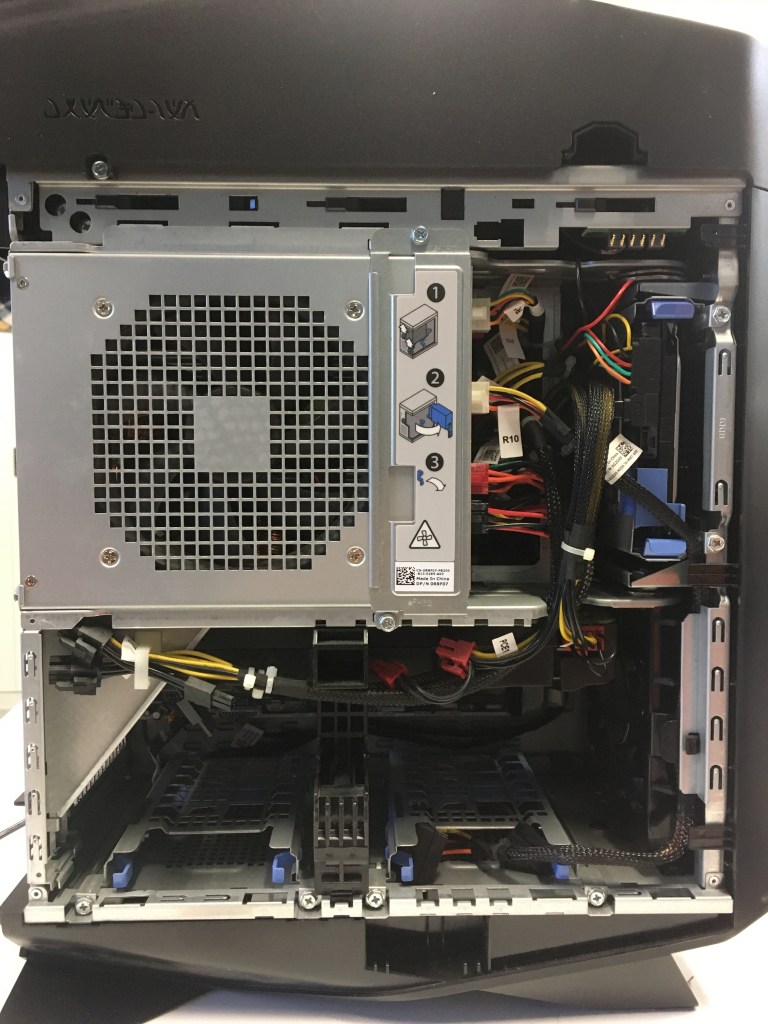
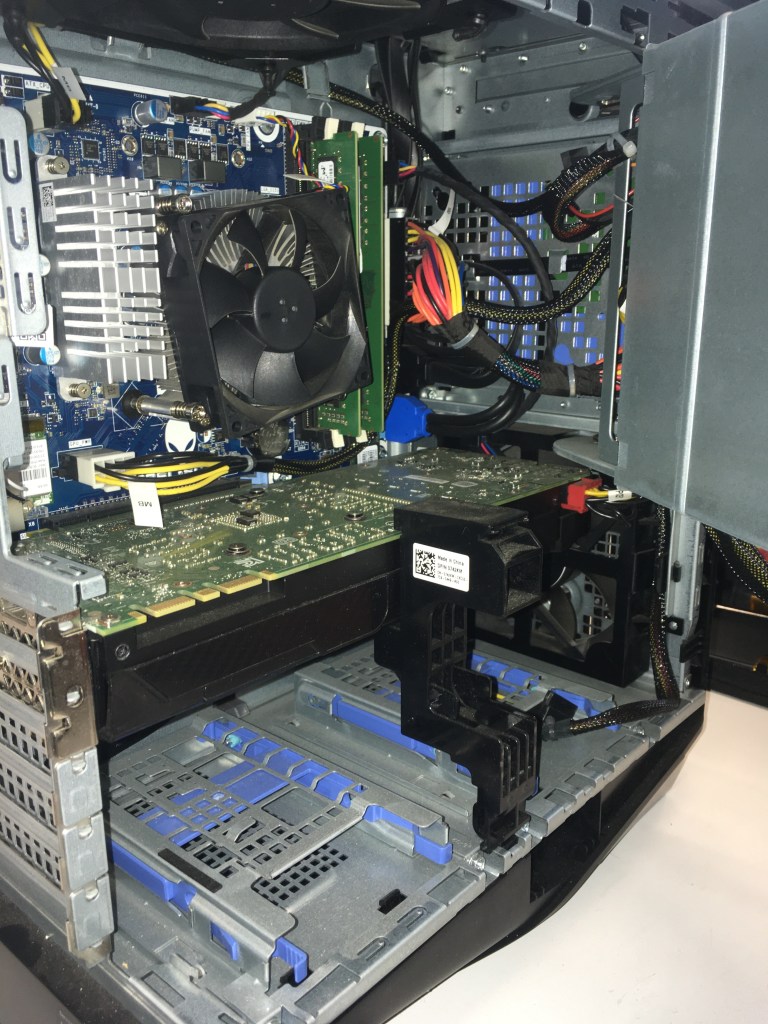
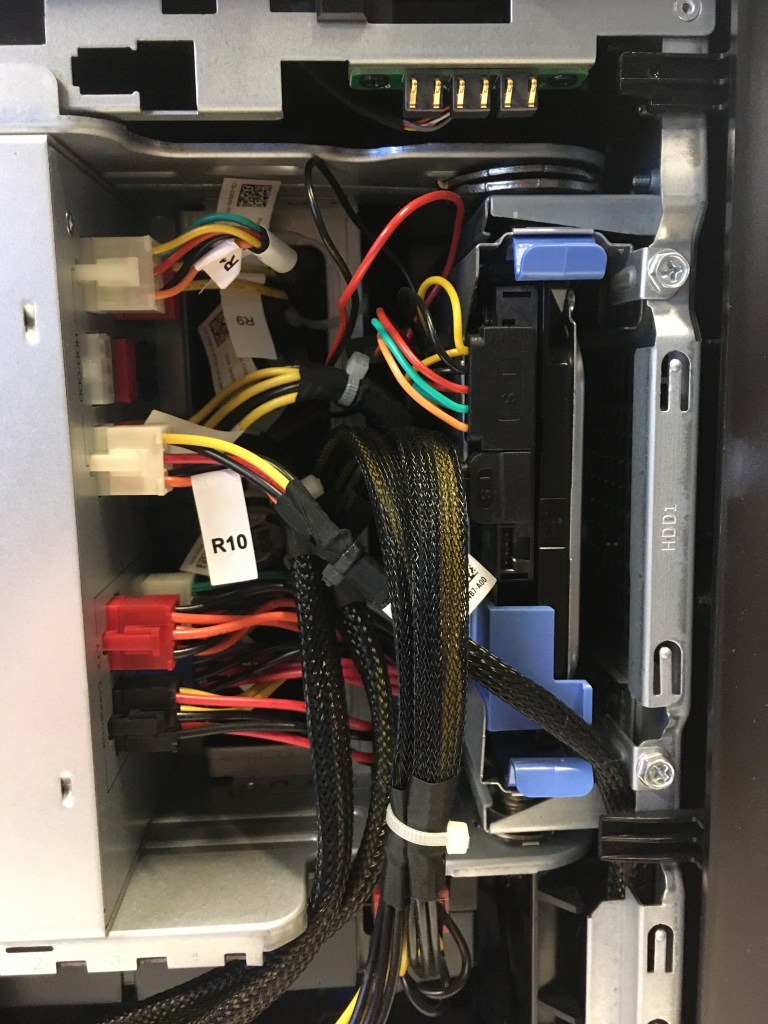
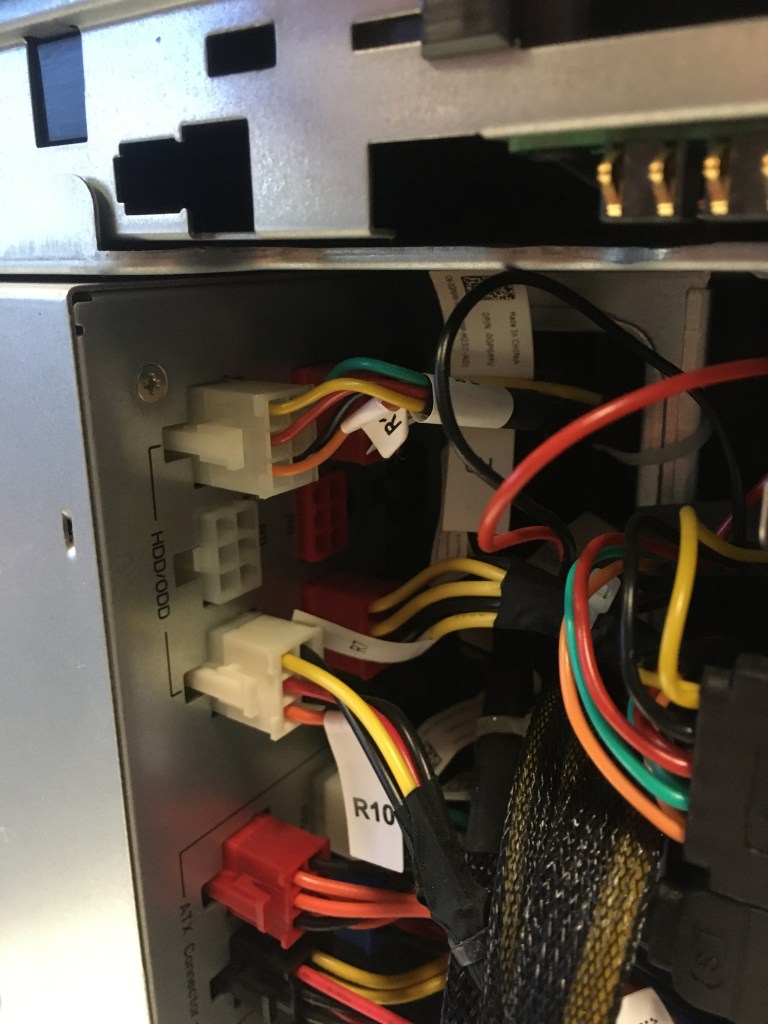
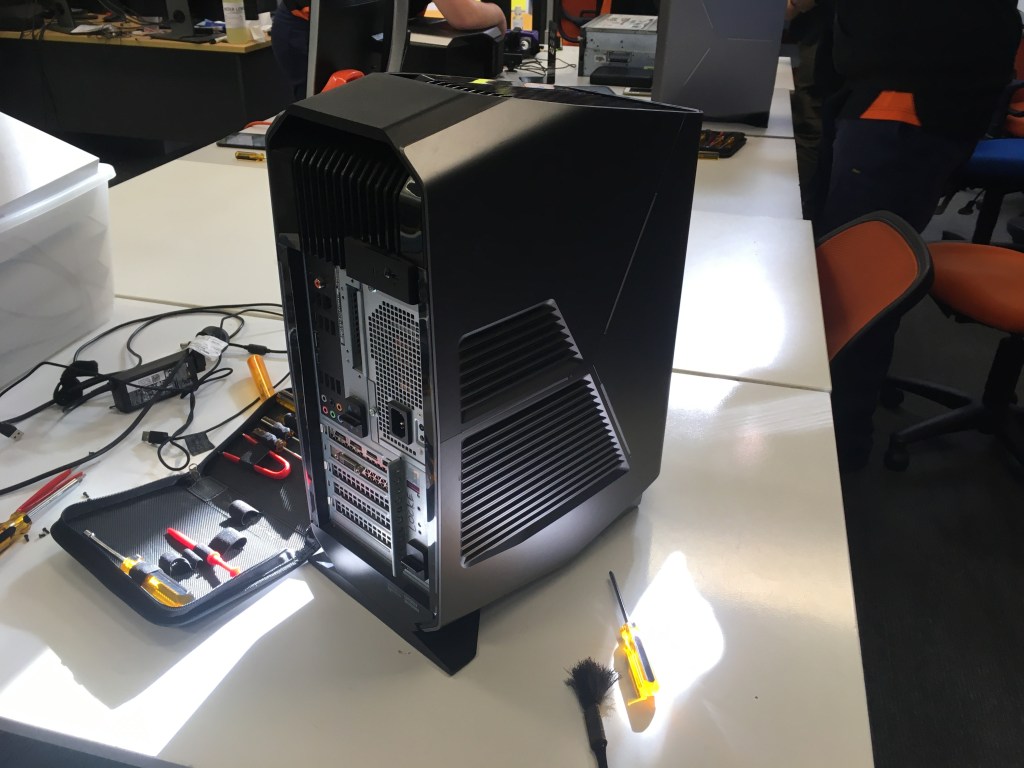
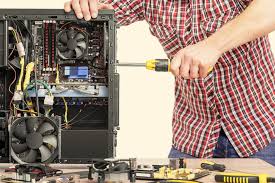
The task that was requested by Andrew was to check the components and the interior of the computer for malfunctions, hazards and broken components. Then to also see if we had a SATA and a SSD.
To begin we all had to unscrew the lid trigger to open the side.
After that we had to unscrew the safety on the sliding panel.
Then lift the locks on the back to open the internal area of the pc.
To import the project I needed to copy and paste the file to my hard drive then create a new project. I then imported the file into the unity creator. Then I opened the scene to create the sample game.
Here are some of the issues that I have with the game.
First of all the dust mites are dropping too fast
Secondly the mobility of the avatar is restricted due to it not being able to move in mid air
Thirdly the map of the computer is too small and hard to move about and there would not be much to do
Fourth there are some places where you can get caught in between and stuck in mid air
The out of bounds is not show due to no colour in the game and there is no way of knowing where you can go to.
How to maintain a computer.
To reset password you need to disconnect the bios shunt .
Then to reset the bios you need to place it on the bios shunt.
To fix the date and time failing you will need to replace the CMOS battery .
Then you must place it into holder.
Then you must test BIOS and CMOS by taking out the power shunt.
Then you place it on the power pins.
When there is an invalid display you will need to Unlatch PCI_E4.
Then you would need to select PCI_E1.
Then you must latch the graphics card in to the port.
If your pc is overheating you will need to clean out your fans with an air compressor.
the back up files are iso files there are apps required to to read these . t read theses files we used ghost an app which has the capability to run and read these files . a PXE sever was used and it let us run stuff of the server instead of th epersonal computor.
to start the process you must turn on the pc and open the boot optoins by spamming f12 once it is open then you input the password which is 4815162342 then you input the code ghost 64-nT exact. then you go back to ghost.
we then went to local then disk then image to restore the harddrive.
we had to select the drive with iso, then the destination if the prompt opens up select yes then select the os position.
In computer networking, localhost is a host name that means this computer. It is used to access the network services that are running on the host via the loop back network interface. Using the loop back interface bypasses any local network interface hardware. In circumstances you can access it using the web.
XAMPP is a free and open-source cross-platform web server solution stack package developed by Apache Friends, consisting mainly of the Apache HTTP Server, MariaDB database, and interpreters for scripts written in the PHP and Perl programming languages.
The Apache HTTP Server, colloquially called Apache, is a free and open-source cross-platform web server software, released under the terms of Apache License 2.0. Apache is developed and maintained by an open community of developers under the auspices of the Apache Software Foundation.
MySQL is an open-source relational database management system. Its name is a combination of “My”, the name of co-founder Michael Widenius’s daughter, and “SQL”, the abbreviation for Structured Query Language.
phpMyAdmin is a free and open source administration tool for MySQL and MariaDB. As a portable web application written primarily in PHP, it has become one of the most popular MySQL administration tools, especially for web hosting services.
New database is when you create a folder composed of tables.
A database application is a computer program whose primary purpose is entering and retrieving information from a computerized database. Early examples ofdatabase applications were accounting systems and airline reservations systems, such as SABRE, developed starting in 1957.
In the relational model of databases, a primary key is a specific choice of a minimal set of attributes that uniquely specify a tuple in a relation. Informally, a primary key is “which attributes identify a record”, and in simple cases are simply a single attribute: a unique id.
Attributes
A piece of information which determines the properties of a field or tag in a database or a string of characters in a display.
An object is a main target of focus as if you where to use object as its name or a function.
What is auto increment? Auto Increment is a function that operates on numeric data types. It automatically generates sequential numeric values every time that a record is inserted into a table for a field defined as auto increment.
List
A number of connected items or names written or printed consecutively, typically one below the other.
Method
A particular procedure for accomplishing or approaching something, especially a systematic or established one.
To perform the action of using your raspberry pi’s (RPi). You plug in the respected cords to the ports that they are designed to be attached to. Then you open the RPi on the monitor and you type “ifconfig” and take the IP address down.
If the the lights on the RPi do not light up reboot the system.
I plugged in the power cable.
Then i plugged the Ethernet cables .
Then i plugged in the monitor and the keyboard and the mouse.
And checked the lights on the RPi and the switch.
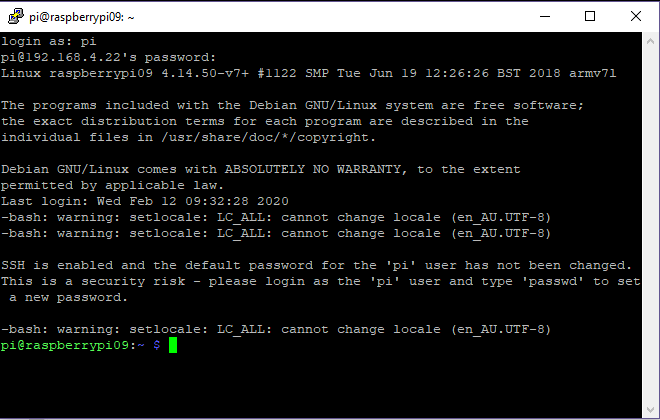
Then i opened putty.
Then entered my IP in the bar.
The logged in to it and then snipped this.
My IP was 192.168.4.22 .
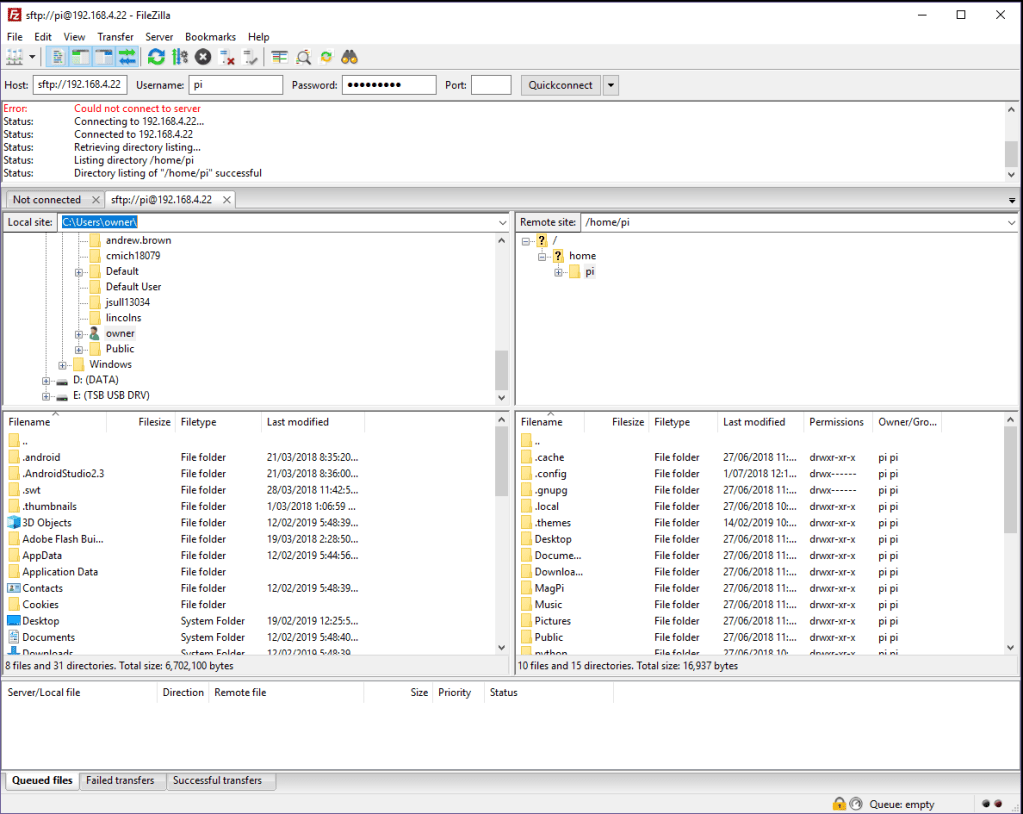
Then i opened filezilla.
Then entered my IP, username, port (22) and password in the bar.
The logged in to it and then snipped this.
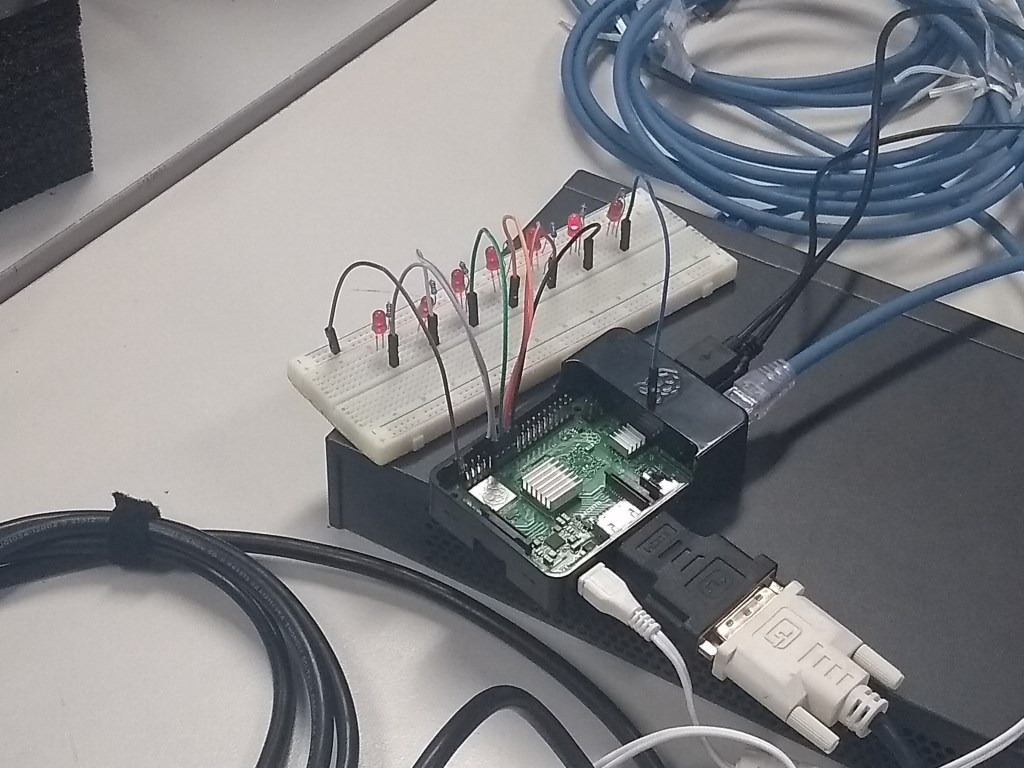
I followed the diagram to replicate this configuration and had Riley snap a photo of the breadboard and the RPi.
First i plugged the LED’s .
Then i plugged in the resistor .
Then i plugged in the cords to the bread board and the RPi.



 Austyn Steve Kelly